
2026
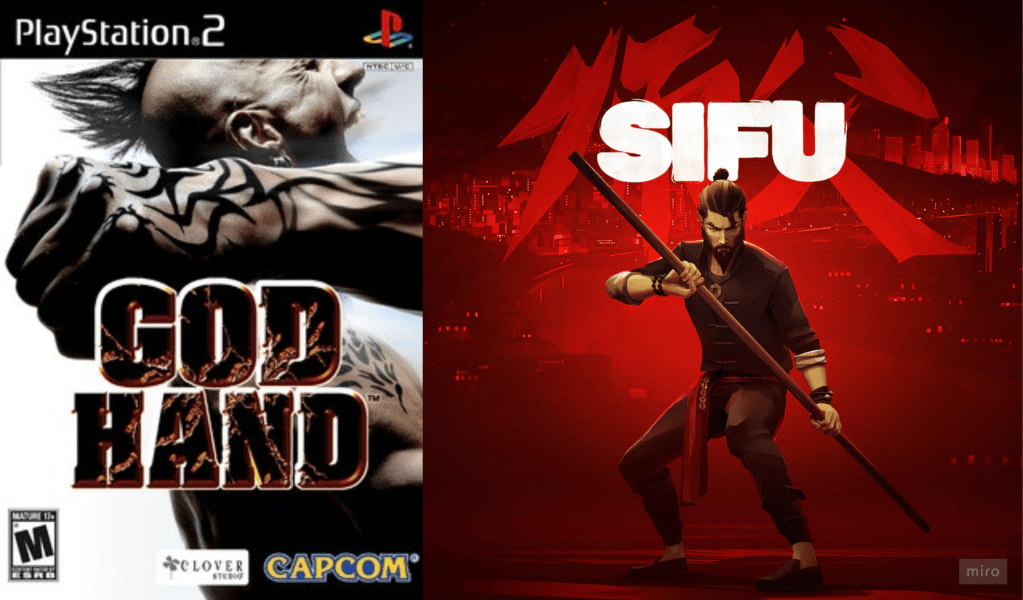
I’ve been developing an action brawler prototype in my free time, inspired by games like God Hand and Sifu.
PROJECT:
Dodge Paper Scissors
The goal is to establish a combat rhythm where enemies set the tempo with their attacks, and the player survives the beat by executing the appropriate dodge for each attack.
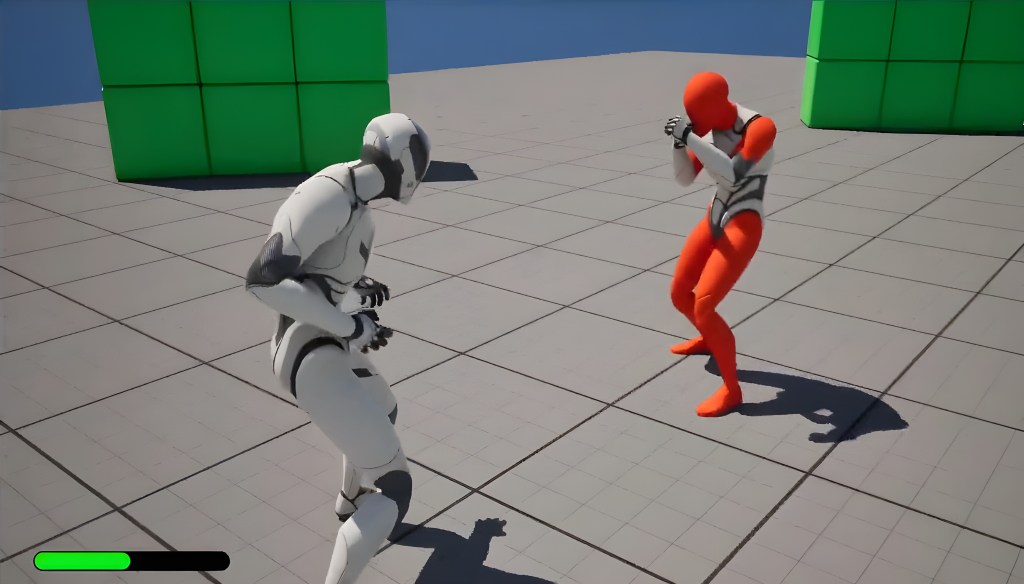
Most of the gameplay systems are built using Actor Components, Data Assets, and Data Tables in Unreal Engine 5 Blueprints.
Further, I’m using:
- State Trees for enemy behaviours.
- GAS for certain shared gameplay actions.
- CAS for paired animations and camera work.
- Motion Warping for distance translation and target orientation.
- Gameplay Camera Plugin for handling different camera states.
The architecture is modular, allowing the same functionality to be easily reused across multiple characters and entities.
Currently, I have my own personal Movement Manager and a Camera Manager. I plan to add the Mover Plugin next to explore and see if it can improve my workflow.
Animation Support
Ardian Nicolaus Waelan, Senior Animator at Arrowhead Games Studios, created all prototype animations used in the project and was a key collaborator in shaping the game’s design direction.
His work featured in this post includes:
- Combat Locomotion Set.
- Player Attack Combo Animations.
- Attack VFX Animations.
- Enemy Attack Combo Animations
- Attack VFX Animations.
- Directional Blocking Set.
- Directional Hit Reactions.
- With Extra Knockdown & Knockback Reactions.
- Directional Dash Animations.
- Finisher Animations (Player & Target).
- Upper Body Evade Animations.
- Lower Body Evade Animations.
2 Months Progress Update – Making the game functional.
I started by implementing Evade Actions:
- Upper Body Evade
- Lower Body Evade

I also implemented an Input Queue System that can connect to any action the player may perform in the future, improving overall input responsiveness.
Added a Basic Enemy to first establish a Lock-On System, and subsequently, a Lock-On camera was necessary to showcase the action space better.
I then implemented a physics based Directional Dash System:
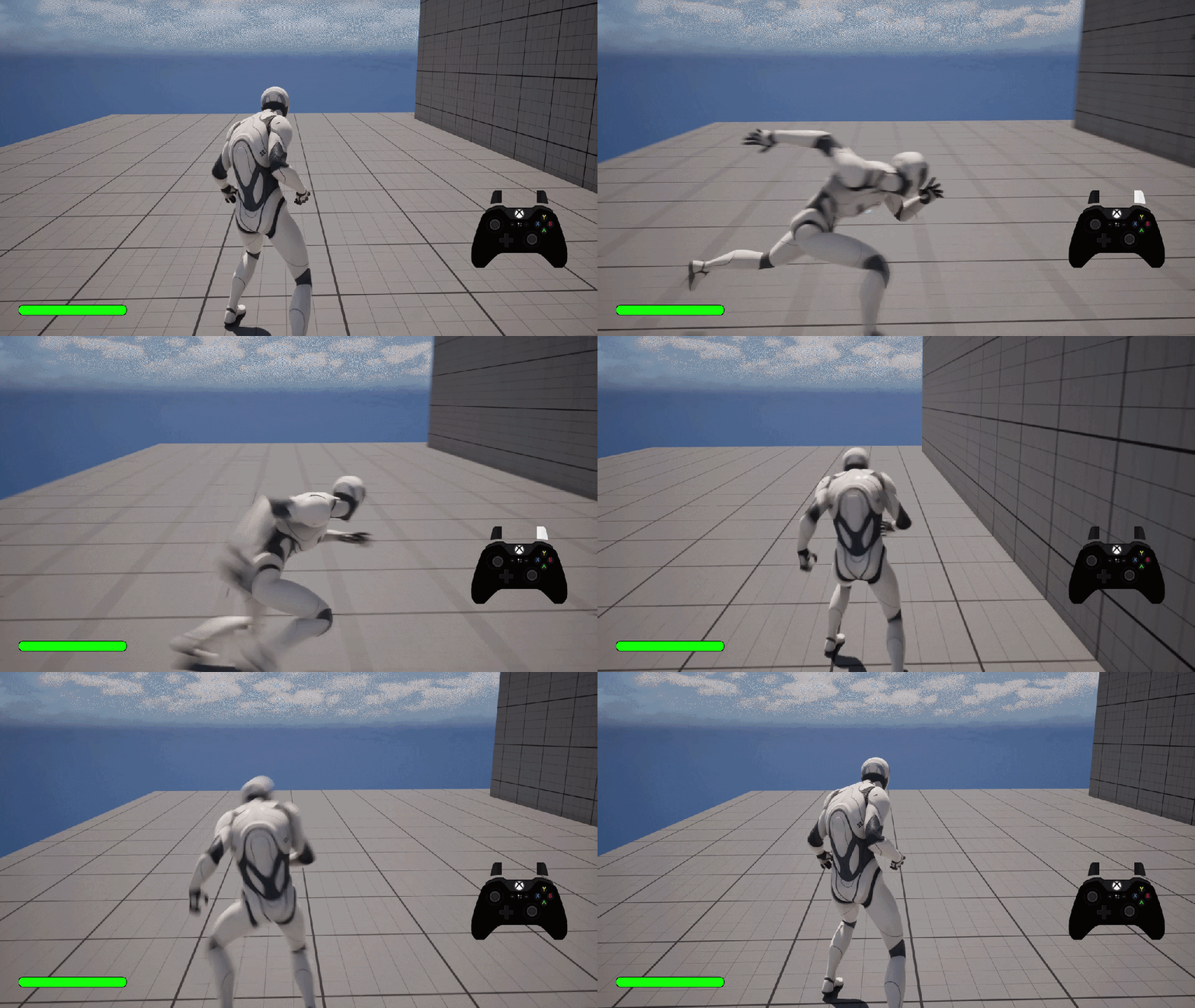
This move is intended for situations where Evading is not the best option.
I have interesting ideas on where else I can take this feature in the future… 😏
Added both Enemy and Player Health and Damage System to enable interactions between each other.
In case of failure to dodge at the right time, I also made a Hurt Reaction System that reacts depending on the attacks performed.
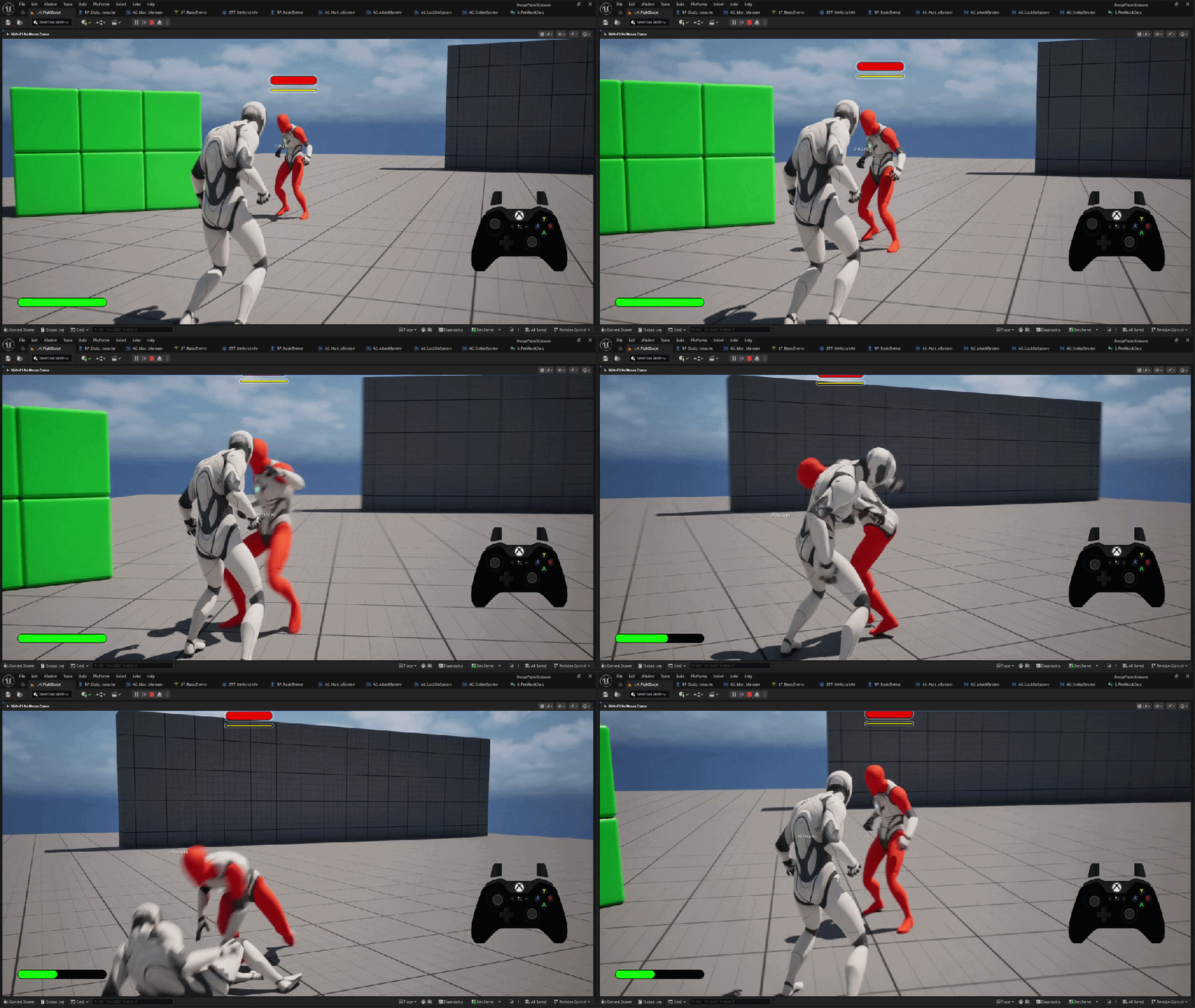
And Death to enable a Game Over state.
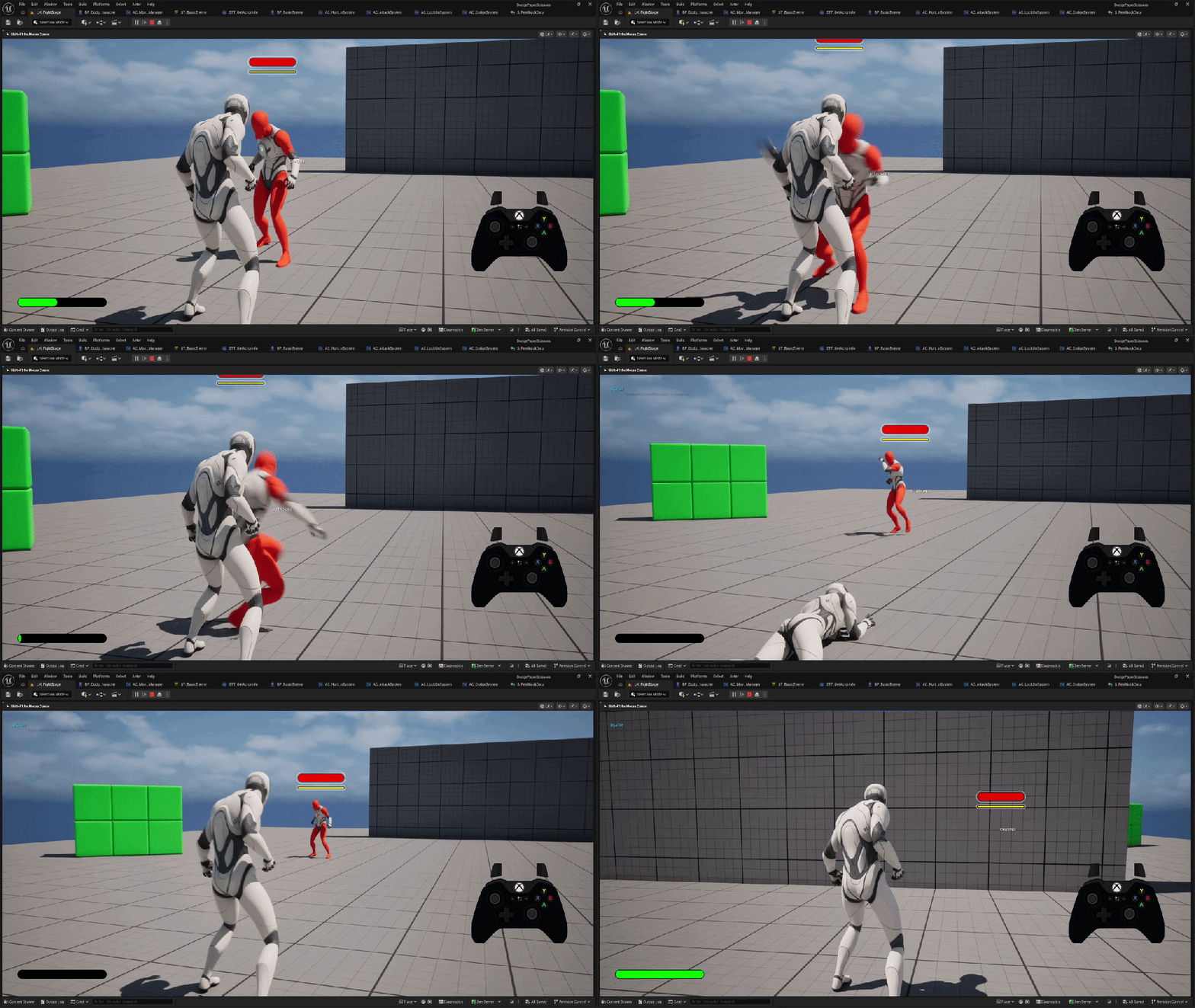
Couple of things I did for fun 🤭
I created a Block and Parry System just for fun:
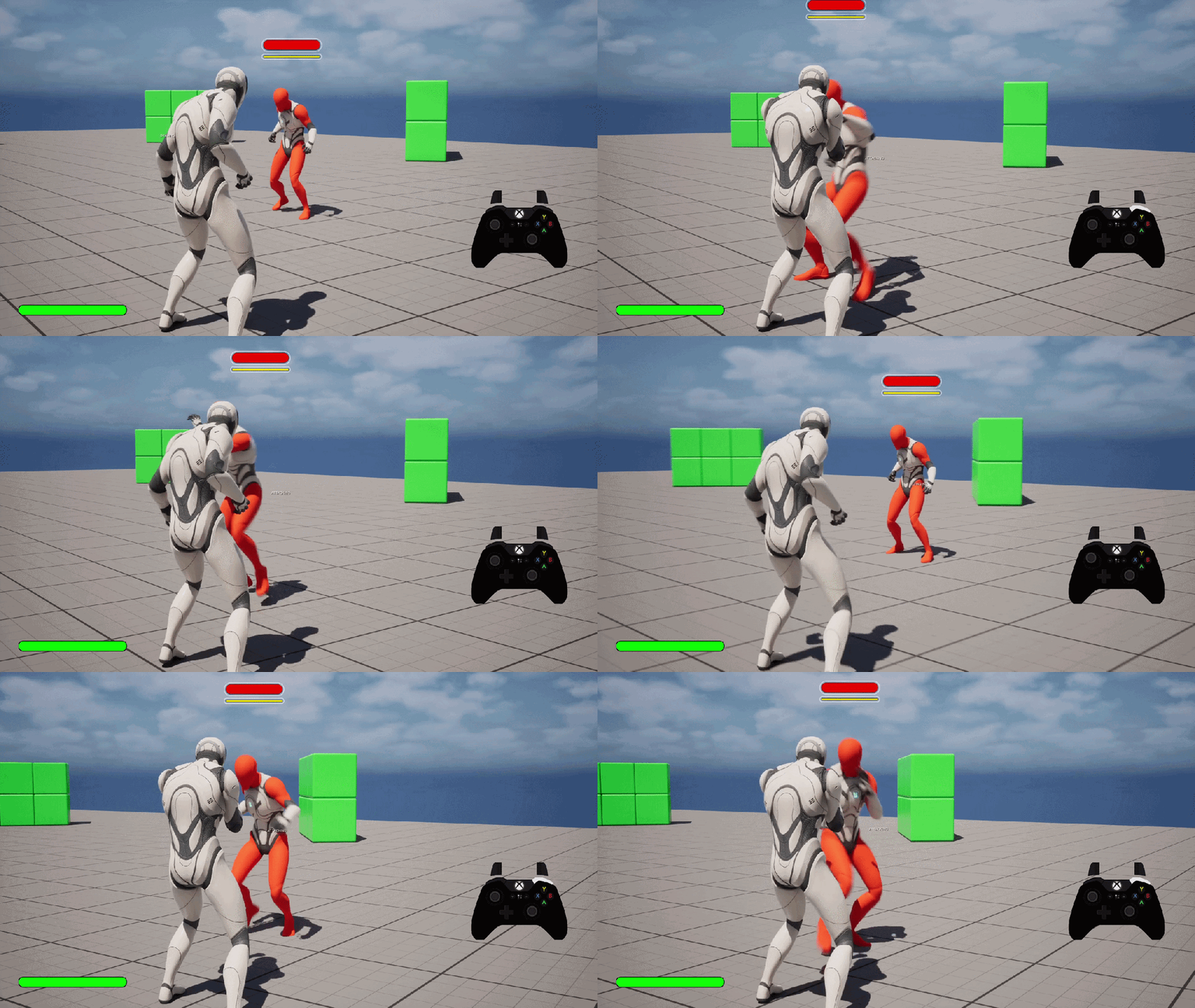
It doesn’t work very well for the player with my current gameplay intentions, so I’ll likely transfer this system to the enemy instead.
The parry will be converted to a repel attack style feature.
While the game initially started as an experiment with dodging systems, I’ve temporarily enabled Attacks and the Combo System I built for the enemy to see if they improve the gameplay.

They seem to feed into my urge to mash buttons while frequently queuing in dodge actions.
Added a Stagger based Finisher System with a Finisher Camera setup.
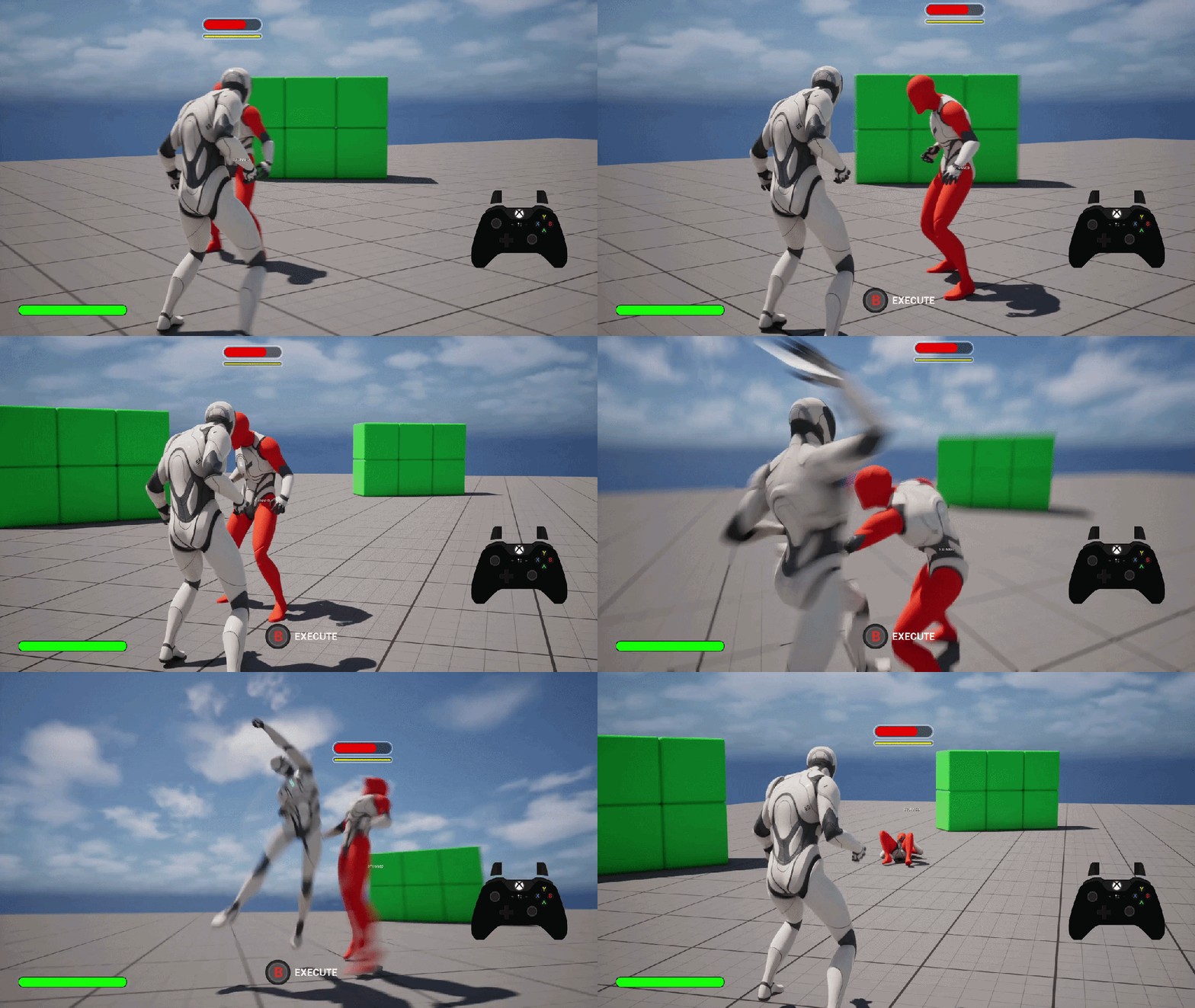
I intend to evolve the feature to be more interactive in the future and not just a cutscene.
Final Output
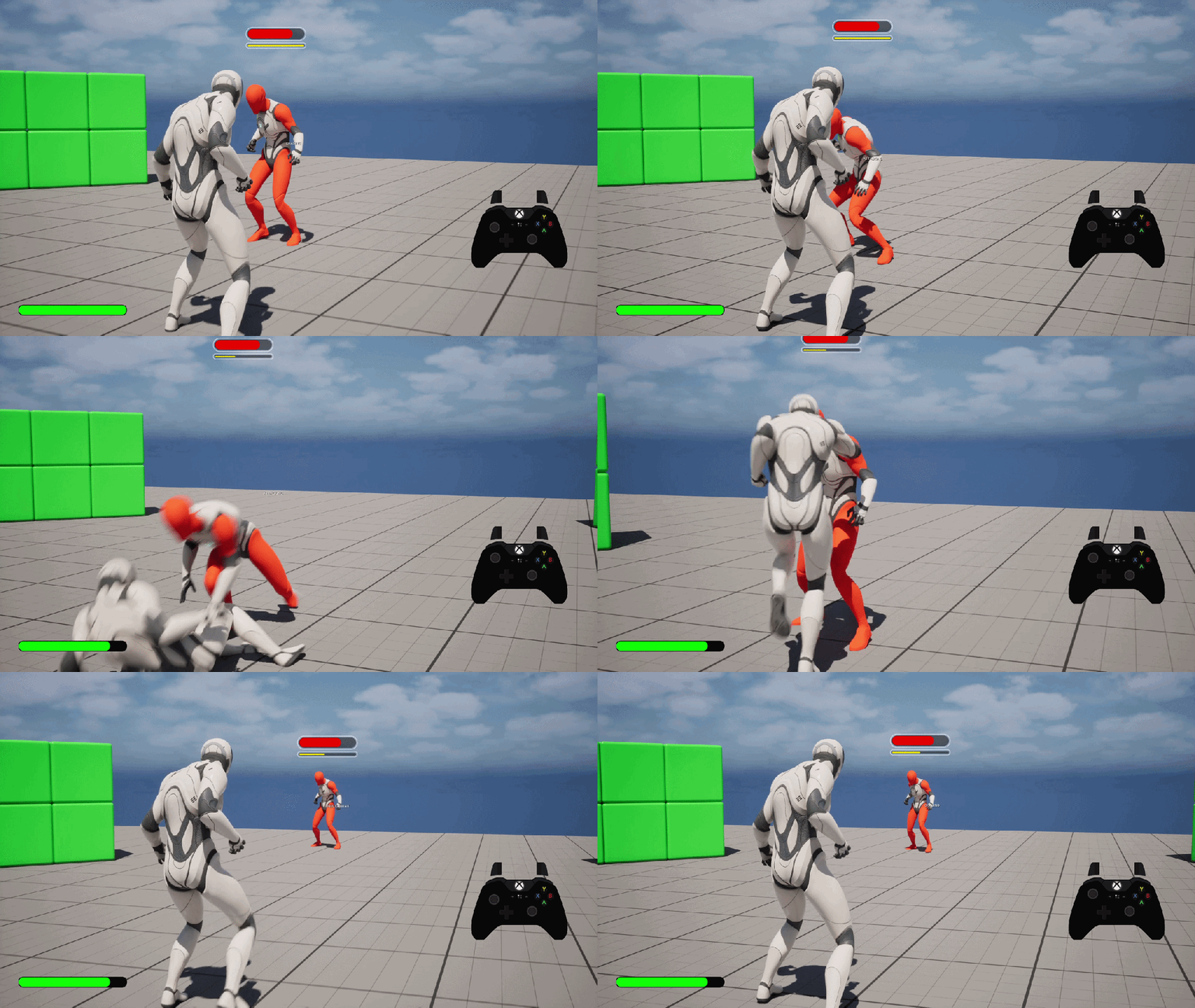
Immediate Next Objectives:
So far, my gameplay systems are functional, but they still don’t quite come together well. I’m planning to run a polish phase to improve:
- Animation Poses:
- Improve silhouette according to the camera.
- Improve silhouette according to the camera.
- Animation Timings:
- Need to create a Frame Data chart to establish Start Up frames and combat rhythm.
- Hitboxes can use slight refinement.
- Hit Feedback:
- Camera Shake
- Controller Rumble
- Hit Stun System
- Time Dilation System (Slow Mo)
- VFX:
- HitVFX.
- DamagedVFX.
- SFX:
- Hit SFX.
- DamagedSFX.
- AttackInitVO.
- EnemyHitVO.
- Enemy Behaviours:
- Add and enable dodge system.
- Add and enable a blocking & parry system.
- Make the enemy faster and more aggressive.
- Refine existing gameplay system logic.
My main goal is to continue improving myself using Unreal Engine 5, and that comes first, despite having other goals for this project 💪
2025
Just a disclaimer, these prototypes are not indicative of my design skills. They’re just my random tech explorations.
Controlled Randomization System:
This system basically guarantees the player to receive a “Legendary Item” after X amount of rolls. I’ve tweaked the values for the item to drop the item after 1 roll, but theoretically the system is capable enough to drop it even after 1000 rolls 😂
More Information
- Loot Box System:
- Create Circular Spawn Positions (By Radius, No. of Points, and Height).
- Spawn Sequence:
- Loot Box: Open Anim, Glow, & Light VFX.
- Item: Opacity, Spawn Scaling, Rotation, Curved Translation, & Colored VFX Trail.
- Item Data (Structs & Variables).
- White, Green, Purple Variants.
- White, Green, Purple Variants.
- Loot Selection Logic (CRS):
- Spawn Item with Highest Probability %.
- Update All Items Probability %.
- Did it Spawn? Decrease %.
- Did it not Spawn? Increase %.
- Repeat Till All Spawn Positions are Filled.
- Create Circular Spawn Positions (By Radius, No. of Points, and Height).
- Vertical Box Loot Log.
- Vertical Box Item Chances Display.
- Dynamic Interaction Prompts System (Open, Take, etc.).
- Line Trace to Valid Item.
- Dynamic Interaction Interface (Inputs).
Happy New Year 2026!
I have been heavily occupied with many tech design prototypes at work.
I hope I’ll have the time to do more compact modular gameplay systems next year ✌
Throwing Chakram & Breakables:
More Information
- Spawn & Despawn Chakram Entity.
- Chakram Actions:
- Movement Behaviors:
- Hovering Positions.
- Bobbing.
- Spinning.
- Wobbling.
- Gameplay Cameras:
- Default.
- Aim.
- Movement States:
- Default.
- Aim.
- Recall.
- Shoot Logic:
- Charging Logic.
- Projectile Settings.
- Wall Attach & Detach Logic.
- Interaction with Simple Breakable Entities.
- Movement Behaviors:
Exploring Gameplay Cameras Plugin in UE 5.6:
More Information
- Gameplay Cameras & Transitions.
- Default, Default Indoors, Aim Default, and Aim Indoors.
- Default, Default Indoors, Aim Default, and Aim Indoors.
- Simple Indoor Camera Collision Logic.
- Simple Strafing Setup.
Bow Combat Scenario:
- Inspired by Tomb Raider.
More Information
- Character Setup:
- Default, Default Indoors, Aim Default, and Aim Indoors.
- Default, Default Indoors, Aim Default, and Aim Indoors.
- Bow Component:
- Aim:
- Character Aim Animation (Tweaked Paragon Asset).
- Spawn Bow & Arrow in Sockets.
- Spawn UI Reticule (If Enemy Detected, Turn Red).
- Activate Strafing.
- Draw
- Bow Drawing Animation (Created Using Control Rig System).
- UI Drawing Reticule Animation.
- Draw Max. Feedback:
- Bow Emissive Pulse.
- Bow Warp VFX.
- UI Reticule Animation.
- Shoot:
- Spawn Arrow in Camera Facing Direction.
- Shoot Character Animation.
- Projectile Movement (Strength Based on Input Hold Duration).
- Shoot Camera FOV Animation.
- Arrow Trail VFX.
- Shoot SFX.
- Spawn Arrow in Camera Facing Direction.
- Arrow Hit Feedback:
- Hit Actor:
- Bone Physics Hit Flinch (If Enemy).
- Attach to Others (Walls / Floor).
- Damage:
- If Fire Arrow, Apply Fire Damage (DPS).
- If Not, Apply Damage (Value).
- Hit VFX:
- Spawn Fire (If Fire Damage).
- Blood (If Enemy).
- Warp VFX (If Enemy).
- Normal (If Others).
- Set Global Time Dilation (If Death).
- Hit SFX:
- Blood Splurt (if Enemy).
- Normal (if Others).
- Camera Shakes (For Hit & Death).
- Hit Actor:
- Aim:
- Health Component:
- Apply Damage Interface:
- Send Struct Info (Damage Amount, Type, Actor Impulse, etc.)
- Send Struct Info (Damage Amount, Type, Actor Impulse, etc.)
- Apply Damage Interface:
- Status Effect Component:
- Apply Status Effect Interface:
- Burn Actor (Will add more types in the future).
- Burn Actor (Will add more types in the future).
- Apply Status Effect Interface:
- AI Behavior:
- Patrol State – Follow Spline.
- No Path? Apply Waiting Conversation Animations.
- If Hit? Go to Combat State.
- Patrol State – Follow Spline.
- Fire Pole Ingredient:
- Apply Fire on Arrow.
- Apply Fire on Arrow.
- Explosion Barrel Ingredient:
Almost halfway through the year, I feel like I’ve made amazing progress by myself so far.
Exploring a core horror game mechanic:
More Information
- Enable Flashlight.
- Flip for Screenlight.
- Turn off Screenlight.
Continuing to explore Actors, Animations, Camera, and Materials:
More Information
- Cinematic Camera Post Processing Effects.
- Dynamic Depth of Field.
- Small Objects Dither (Bushes).
- Thin Objects Dither (Poles).
- Lock-On Wall Cut Dither.
- Mainly inspired by Ghost of Tsushima Combat Camera.
More Information
- Inspired by the Collectibles in God Hand.
- Item Movement (Spinning, Bobbing, Scale, Object Shake, Multipliers).
- Interaction.
- Health Refill / Gold Refill.
- VFX, Opacity, Audio (Spawn, Distance Based BG), Rumble & Camera Shake.
- Inspired by the Movement System from Resident Evil.
More Information
- Lift Actor Movement Logic.
- Lift Button Actor.
- Proximity Interaction Indicator (Depending on Lift Status).
More Information
- Door Actor Logic.
- Simple Proximity Interaction Indicator.
Getting used to UE 5 basics once again by setting up simple ingredients.
It’s been awhile since I got my hands dirty using Unreal Engine.
I’ll be using this page to track my new gameplay prototype explorations starting 2025.
 SnoukDesignNotes